Rehearse your next work presentation before it counts
Upload your deck, rehearse out loud and practise the questions your boss, client or board will ask. SpeechSharp coaches you on all three.
- Free to use
- Nothing to install
- Recordings stay on your device
Made for the talks that matter at work
- Board updates
- Client pitches
- All-hands
- Conference talks
- Project reviews
- Interview presentations
Three things sink presentations at work. SpeechSharp fixes all three.
Slides nobody can read from the back
Get a deck that says the point
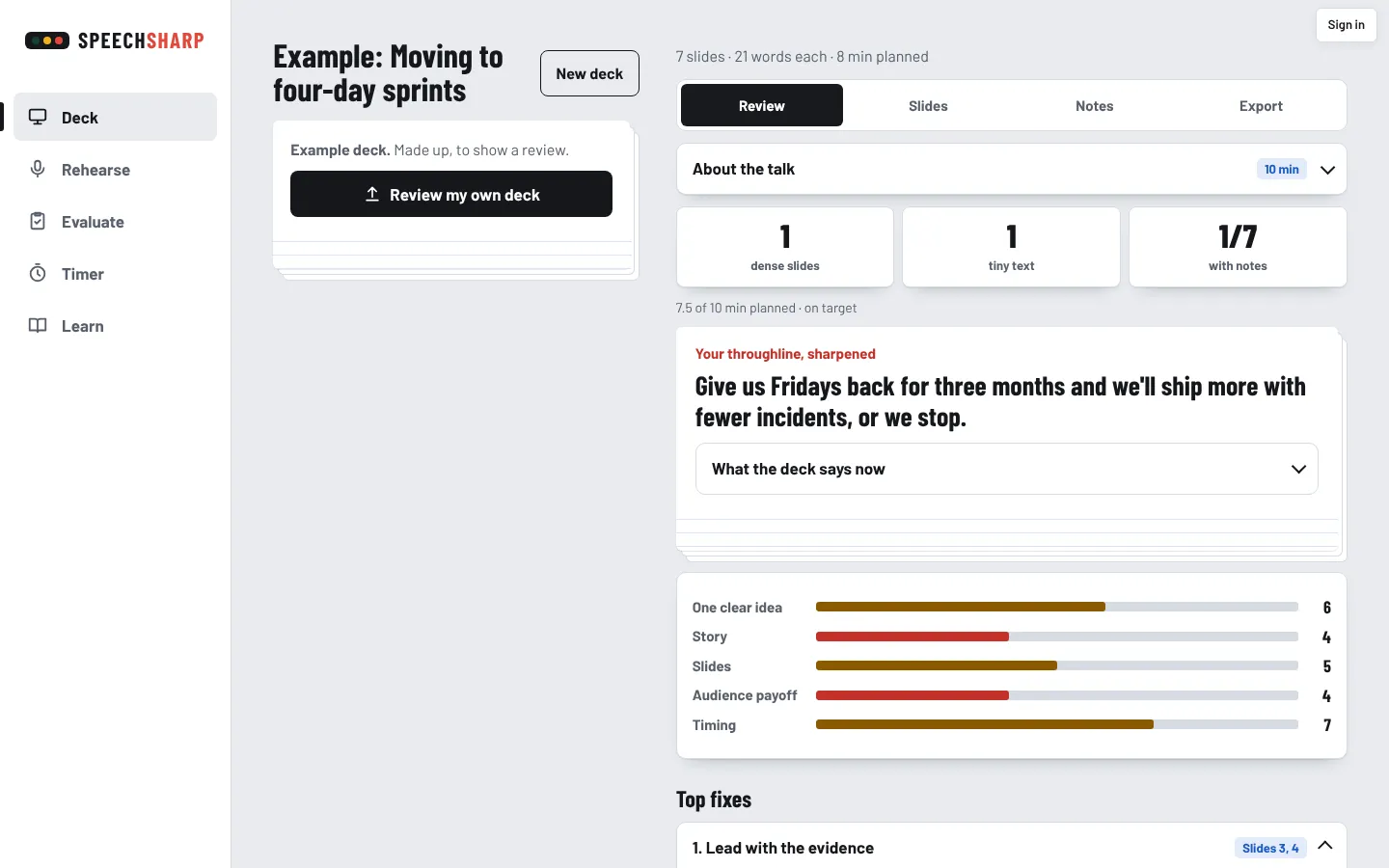
Upload a .pptx or PDF. You get a slide-by-slide review against the principles good presenters use, then download the improved deck.
- Titles rewritten to say the point
- Tiny text and crowded slides flagged
- Speaker notes you can deliver from
Rushed, unrehearsed delivery
Rehearse out loud and fix what matters
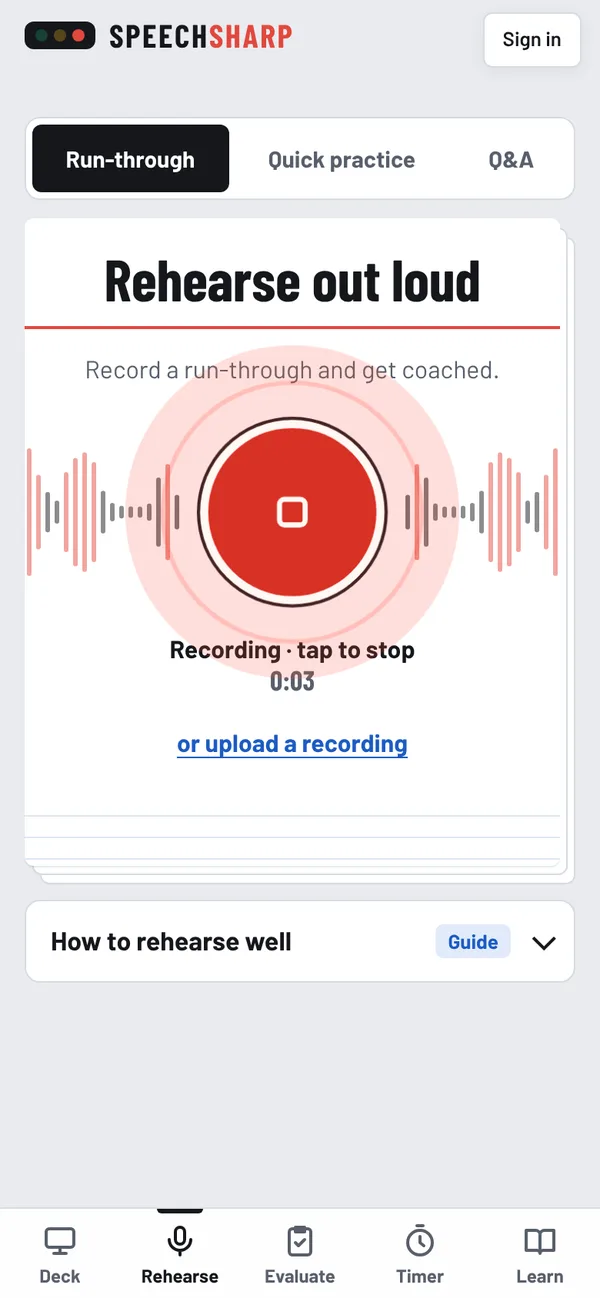
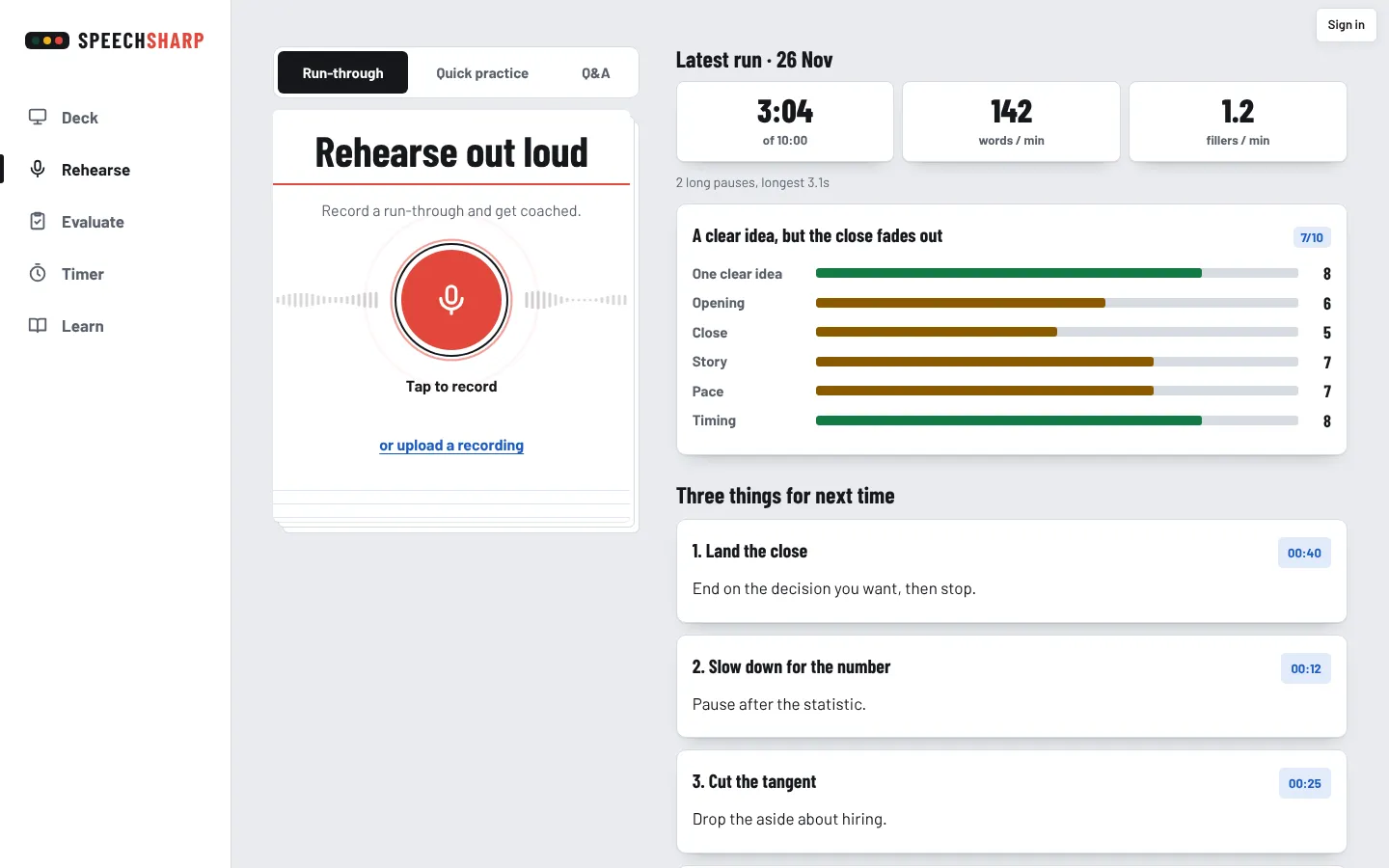
Record a run-through on your phone or laptop. See your pace, filler words and pauses, then get three fixes for your next run, each tied to the moment in your recording.
- Scores for your opening, close, pace and timing
- Coaching slide by slide when you've uploaded your deck
- See your progress from one run to the next
Getting caught out by a question
Walk in ready for the Q&A
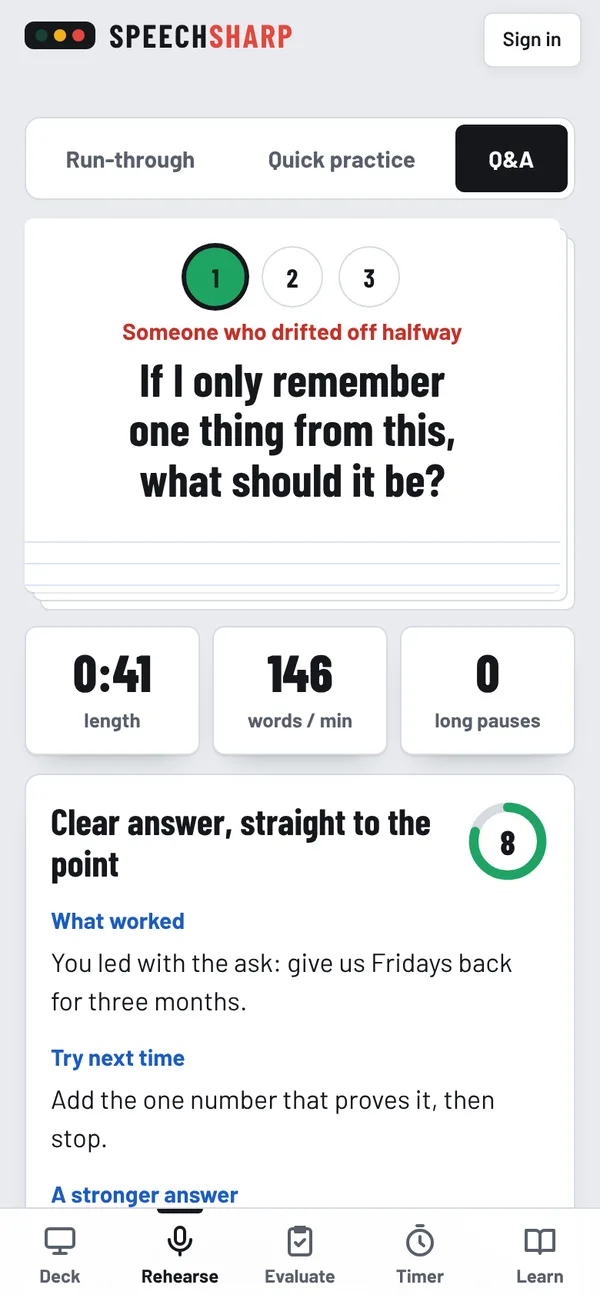
SpeechSharp asks the three questions your room is most likely to ask, based on your deck and your rehearsal. Answer out loud and get a stronger answer to borrow.
- The sceptic, the budget holder and the senior objection
- A score and one fix for each answer
- A line to bring it back to your main point
From first draft to ready in one evening
Plan on about half an hour for the first pass, then go again once.
- Start with your deckUpload it, or plan a new talk from a blank page.About 5 minutes
- Rehearse out loudRecord a run-through and fix the three things that matter most.About 15 minutes
- Face the questionsPractise the Q&A until your answers come out short and clear.About 10 minutes
One coach for the whole talk
Speech coaching apps work on your voice. AI slide tools work on your slides. SpeechSharp does both, then gets you ready for the questions.
| Feature | Speech coaching apps | AI slide tools | SpeechSharp |
|---|---|---|---|
| Reviews your slides | No | Yes | Yes |
| Coaches your delivery | Yes | Rarely | Yes |
| Coaching tied to your own deck | Some | No | Yes |
| Practises your Q&A | Some | No | Yes |
| Recordings stay on your device | Varies | Not applicable | Yes |
| Price | Usually a monthly subscription | Often part of a paid plan | Free |
Also in a speaking club? Evaluate an impromptu speaker from a recording, run the green, amber and red timing lights, and keep the timer's report.
Your recordings never leave your device. Speech is turned into text on your phone or laptop, and only that text is sent when you ask for coaching.
Questions
Is it really free?
Yes. Everyone gets 20 coaching requests a day while SpeechSharp is in early access. Recording, timing and the stats on your pace and filler words don't count towards that.
Do I need to install anything?
No. It runs in your browser on a phone or laptop. On a phone you can add it to your home screen and it opens like an app.
What happens to my recordings and slides?
Recordings never leave your device. When you ask for coaching, the text of what you said, and any slides you choose to review, go to our AI provider to write the feedback. We don't sell your data or use it to train AI. The privacy page has the detail.
Which files can I upload?
PowerPoint (.pptx) and PDF decks. For rehearsals, record in the app or upload an audio or video file.
Does it work for presentations on Zoom or Teams?
Yes. Rehearse on your laptop the way you'll present, then practise the questions you expect on the call.
Who makes SpeechSharp?
Mooseship, a small independent studio in the UK.
Got a presentation coming up?
Start with your slides. It takes a couple of minutes.
Try it free